
HSC GPA Calculator Bangladesh
Main subjects (6)
4th subject (optional)
Leave the grade empty if you have no 4th subject. Only points above 2.00 are added.
SSC GPA (optional)
Add it to see your combined SSC and HSC GPA out of 10.00.
Your marks and grades are processed in your browser and are never uploaded. This is an estimate, not an official result.
This HSC GPA calculator finds your Bangladesh HSC result on the 5.00 scale. Enter grades or marks for six main subjects, add an optional 4th subject, and press Calculate. The 4th subject adds only its points above 2.00, the total is divided by 6, and the GPA is capped at 5.00.
Same marksheet, two different GPAs. That happens when one student counts the 4th subject and another doesn't. Most of the "HSC GPA koto hobe?" confusion comes from this one rule.
This tool does the sum for you and shows both numbers: your GPA with the 4th subject and your GPA without it. It also shows every step, so you can check it against your marksheet. It is an estimate. Your board result is always the final one.
From Science, Humanities or Business Studies to your GPA in five steps
- Choose your group. Select Science, Humanities or Business Studies. The subject list changes to match your group.
- Choose how you want to enter results. Pick Grade if you know each letter grade. Pick Marks if you want to type your marks.
- Fill the six main subjects. Bangla, English and ICT are fixed. For the three group subjects, change the drop-down if your combination is different.
- Add the 4th subject, or skip it. Leave the grade (or marks) empty if you have no 4th subject.
- Press Calculate GPA. Your result appears below the button. Use Reset to start over.
If you leave a main subject empty, the tool tells you which one is missing. It does not guess.
What goes in, what comes out, and which subjects are preset
In Grade mode, each subject has a drop-down from A+ to F, with the grade point shown next to it. In Marks mode, you type the marks you got and choose the full marks, 100 or 200. Two-paper subjects start at 200 and ICT starts at 100. You can switch any row between the two. Marks must be between 0 and the full marks, or the tool flags the field.
After you press Calculate, you see:
- your HSC GPA out of 5.00 and the letter grade for it
- Pass or Fail
- your GPA without the 4th subject
- the 4th subject bonus
- your main grade points and the total points divided by 6
- a "Show calculation" table with every subject, its grade and its point
- your combined SSC and HSC GPA, if you filled the optional SSC box
You can copy the result as text with the Copy result button.
The tool starts with these subjects for each group. Each group subject and the 4th subject has a drop-down.
| Group | Group subjects | 4th subject |
|---|---|---|
| Science | Physics, Chemistry, Biology | Higher Mathematics |
| Humanities | History, Civics and Good Governance, Economics | Logic |
| Business Studies | Accounting, Finance, Banking and Insurance, Business Organization and Management | Statistics |
The 4th subject list also has an "Other subject" option for anything not in the list. If you pick the same subject twice, the tool asks you to choose a different one. "Other subject" is not part of that duplicate check.
Marks to grade point: the 100-mark and 200-mark bands
The calculator uses one grading scale. In Marks mode, it turns your marks into a percentage of the full marks and then finds the band.
| Grade | Out of 100 | Out of 200 | Grade point |
|---|---|---|---|
| A+ | 80–100 | 160–200 | 5.00 |
| A | 70–79 | 140–159 | 4.00 |
| A- | 60–69 | 120–139 | 3.50 |
| B | 50–59 | 100–119 | 3.00 |
| C | 40–49 | 80–99 | 2.00 |
| D | 33–39 | 66–79 | 1.00 |
| F | 0–32 | 0–65 | 0.00 |
Bands do not round up. A subject with 159 out of 200 is 79.5%, which is an A, not an A+. A student with 160 out of 200 gets A+.
For a subject with other full marks, use the percentage and read the 100-mark column. The tool only offers 100 and 200 for full marks.
Why a B in your 4th subject adds 1.00 point but not 1.00 GPA
The formula is:
GPA = (main grade points + 4th subject bonus) ÷ 6
The bonus is the 4th subject's grade point minus 2.00, and never below zero. The result is capped at 5.00. The 4th subject is not a seventh subject. It adds a bonus to the total, and the total is still divided by 6.
| 4th subject grade | Grade point | Bonus added to total |
|---|---|---|
| A+ | 5.00 | +3.00 |
| A | 4.00 | +2.00 |
| A- | 3.50 | +1.50 |
| B | 3.00 | +1.00 |
| C, D or F | 2.00, 1.00 or 0.00 | 0.00 |
Here is a worked example. Your main grades are A+, A+, A, A, A- and B.
- Main grade points: 5 + 5 + 4 + 4 + 3.5 + 3 = 24.50
- GPA without the 4th subject: 24.50 ÷ 6 = 4.08
- 4th subject is A, so the bonus is 4 − 2 = 2.00
- GPA with the 4th subject: 26.50 ÷ 6 = 4.42
The second example reaches the cap. Your main grades are A+, A, A+, A, A+ and A, which is 27.00 points. Your 4th subject is A+, so the bonus is 3.00. The total is 30.00, and 30 ÷ 6 is 5.00.
Some admission circulars say whether the 4th subject is counted. Read the circular of the place you are applying to.
One F in a main subject, an F in the 4th subject, and GPA 5.00 without all A+
An F in any of the six main subjects means the result is Fail. The tool names the failed subject and shows no GPA. Good grades in other subjects cannot cancel it.
An F in the 4th subject is different. It adds no bonus, but it does not fail you if all six main subjects pass.
GPA 5.00 does not need A+ in every subject. The 4th subject bonus can lift the total to 30.00, as in the example above. "Golden A+" is the informal name for A+ in every subject, including the 4th. The tool does not calculate it as a separate grade.
Marks mode has one blind spot. A marksheet can show F in a single paper, MCQ, theory or practical part even when the total looks fine. The tool cannot see that from a total. If your marksheet shows an F in any part, use Grade mode and select F. The tool also reminds you of this under the result in Marks mode.
Combined SSC and HSC GPA out of 10.00: what the optional box does
Many admission circulars add your SSC GPA and HSC GPA. The optional SSC box does this for you. Enter your SSC GPA from 0.00 to 5.00, and the result shows the combined GPA out of 10.00. With SSC 4.80 and HSC 4.50, the combined GPA is 9.30.
The tool shows the combined figure only when your HSC result is a pass. Each university or admission test sets its own minimum, weighting and 4th subject rule. Treat the combined figure as a quick check, and follow the official circular for the real rule.
Where your marks and grades go when you press Calculate
Nowhere. The calculation runs in your browser, and your marks and grades are never uploaded. The tool has no login and no sign-up. It does not save your entries when you close the page.
Why your GPA is different from the marksheet: six checks
If the tool and your board result don't match, check these first.
- Wrong full marks. A two-paper subject should be out of 200 and ICT out of 100. If you typed the combined total with the wrong full marks, the percentage and band change.
- Total typed for one paper only. For a two-paper subject, add both papers and enter the combined total.
- An F hiding in a component. A paper, MCQ, theory or practical F won't show in a total. Switch to Grade mode and pick F.
- 4th subject counted differently. Check whether you looked at the GPA with or without it. The tool shows both.
- Duplicate or wrong subject. If a warning says a subject is selected twice, fix the drop-down. A wrong subject doesn't change the grade point, but it makes the table confusing.
- Rounding. The tool shows two decimal places. A board result may be shown with its own rounding.
On a phone, the layout works from a 320 px wide screen, with drop-downs and buttons sized for thumbs. On slow internet, you only need the page to load once to use the tool, since the calculation happens on your device.
If the numbers still differ, the board result is the correct one. The boards accept rescrutiny applications after the result, and each board announces its own dates and rules.
Calculator, Excel, grade-only tools or the board site: which one fits?
| Method | Good for | Weak point |
|---|---|---|
| This calculator | Marks or grades, 4th subject bonus, Fail check, steps | Estimate only |
| Hand or Excel | Full control | Easy to divide by 7 or forget the bonus |
| Grade-only drop-down tools | Quick check of simple grades | May not show the 4th subject bonus or marks mode |
| Official board result site | The final word | Shows only your published result |
Use the board site for your official result: educationboardresults.gov.bd. Use this calculator to check it, or to estimate your GPA before you open the marksheet.
HSC GPA in real life: admission forms, job circulars and "what if" planning
Your HSC GPA shows up in three places most often. University admission forms ask for it, sometimes added to your SSC GPA. Job circulars list an education requirement and sometimes a minimum result. And you may want to plan: what GPA would I get if my 4th subject were a B instead of a C?
For jobs, always read the official circular, because requirements differ and change. If you are checking where you stand, start with this guide on government job eligibility in Bangladesh. If you are just starting, how to begin government job preparation gives you a first plan.
HSC GPA doubts answered: 4th subject, Marks mode, F grades and mobile
Is this HSC GPA calculator free, and do I need to sign up?
Yes, it is free. There is no login or sign-up in the tool. Open the page, pick your group, enter your grades or marks, and press Calculate GPA. You can press Reset and calculate again as many times as you like.
Is it safe to type my marks here?
Your marks and grades are processed in your browser and are never uploaded. The tool does not need an account. It does not keep your entries after you close the page. Still, you should not share a screenshot of your result if you want to keep it private.
HSC GPA koto hobe with the 4th subject?
Add your six main grade points. Then add the 4th subject points above 2.00. Divide the total by 6 and cap it at 5.00. For example, 24.50 main points plus a 2.00 bonus gives 26.50, and 26.50 ÷ 6 is 4.42.
Why is the total divided by 6, not 7?
The 4th subject is not a seventh subject. It only adds a bonus to the total. The bonus is its grade point minus 2.00, never below zero. The total is then divided by 6. The tool shows the 4th subject bonus on its own line so you can see it.
Can I enter marks instead of grades?
Yes. Choose Marks, type your marks, and pick full marks of 100 or 200 for each subject. The tool turns them into a percentage and finds the grade band. It cannot see an F in a single paper or practical part. In that case, use Grade mode and select F.
What happens if I fail one main subject?
The result shows Fail. The tool names the failed subject and gives no GPA. A high grade elsewhere and the 4th subject bonus cannot cancel it. An F in the 4th subject is different: it adds no bonus, but it does not cause a Fail.
Can I get GPA 5.00 without A+ in every subject?
Yes. The 4th subject bonus can lift the total to 30.00 even when some main subjects are A. With main points of 27.00 and an A+ in the 4th subject, the total is 30.00 and the GPA is 5.00. The tool never shows more than 5.00.
How do I see my combined SSC and HSC GPA?
Type your SSC GPA in the optional box before you press Calculate. The result then shows both GPAs added together out of 10.00, if your HSC result is a pass. For example, 4.80 plus 4.50 is 9.30. Always follow the admission circular for the real rule.
Does it work on a phone, and on dark mode?
Yes. The layout fits screens from about 320 px wide, and buttons and drop-downs are sized for touch. It also follows your device's dark mode. You can use it with a keyboard, and the result is announced to screen readers.
Does it support Alim or technical board subjects?
The tool is built for Science, Humanities and Business Studies. Alim and technical boards can have different subject structures. You can use "Other subject" for the 4th subject, but the six main subjects follow the general groups. Check your own marksheet and board rules for those cases.
Check your HSC GPA now and keep the steps for your next form
Use this HSC GPA calculator to check your result, with and without the 4th subject, before you fill an admission or job form. Press Copy result to save the numbers, then check the official board result. When you are ready for job exams, browse the latest jobs on BdCareerHub, try the practice MCQs, and read these MCQ solving strategies.
Disclaimer: This tool is provided for general informational purposes. Please use it responsibly and double-check results before relying on them.
Recent Posts
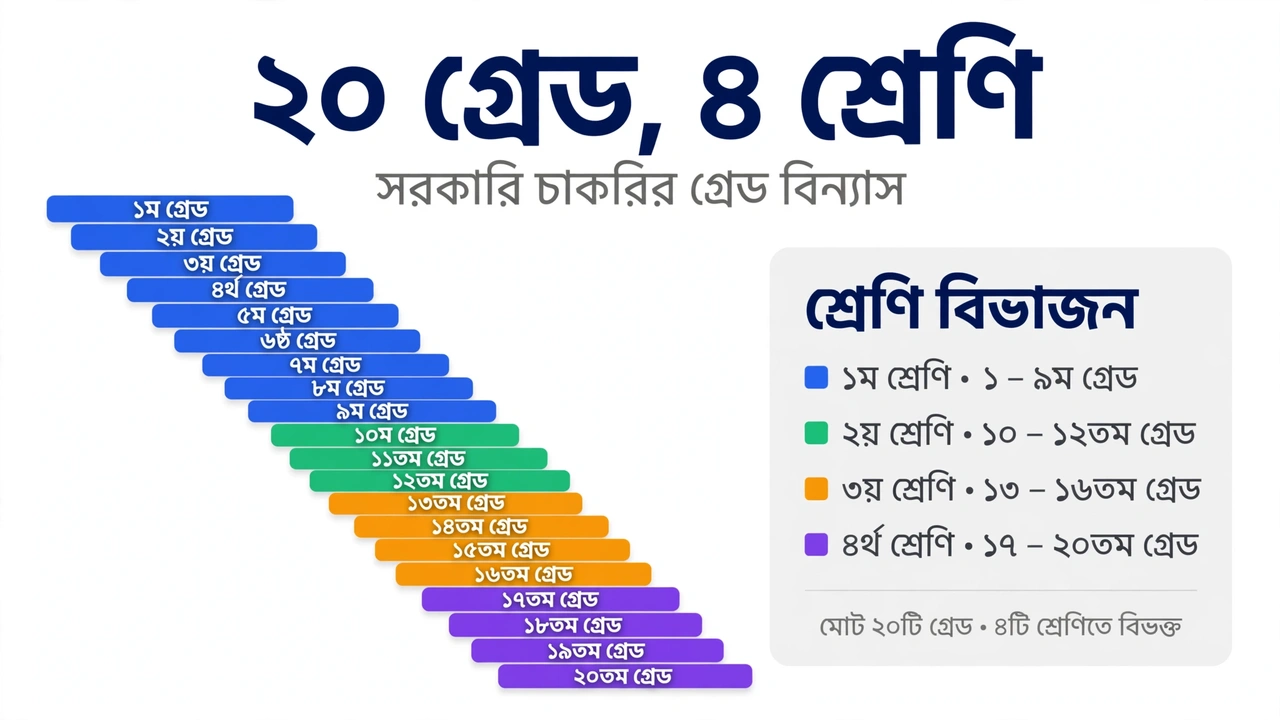 সরকারি চাকরির গ্রেড কয়টি? ১ম থেকে ২০তম গ্রেডের পরিচিতি ও নতুন বেতন (২০২৬)
 সরকারি চাকরি পেতে কী কী যোগ্যতা লাগে: বয়স, শিক্ষা ও শর্ত
 ৯ম গ্রেড সরকারি চাকরির MCQ প্রশ্ন ও উত্তর ব্যাখ্যাসহ: ২৫টি গুরুত্বপূর্ণ প্রশ্ন (বাংলা ও সাধারণ জ্ঞান) | ফ্রি PDF
 ৯ম গ্রেড সরকারি চাকরির MCQ ব্যাখ্যাসহ: ৩০টি গুরুত্বপূর্ণ প্রশ্ন ও ফ্রি PDF
 সরকারি চাকরির MCQ (১০ম গ্রেড): ২৭টি প্রশ্ন ব্যাখ্যাসহ | ফ্রি PDF
Explore Our E-Books
Career guides, preparation books & study materials ready to download as PDF.
Browse E-Books